# When Vercel Stopped Listening to GitHub
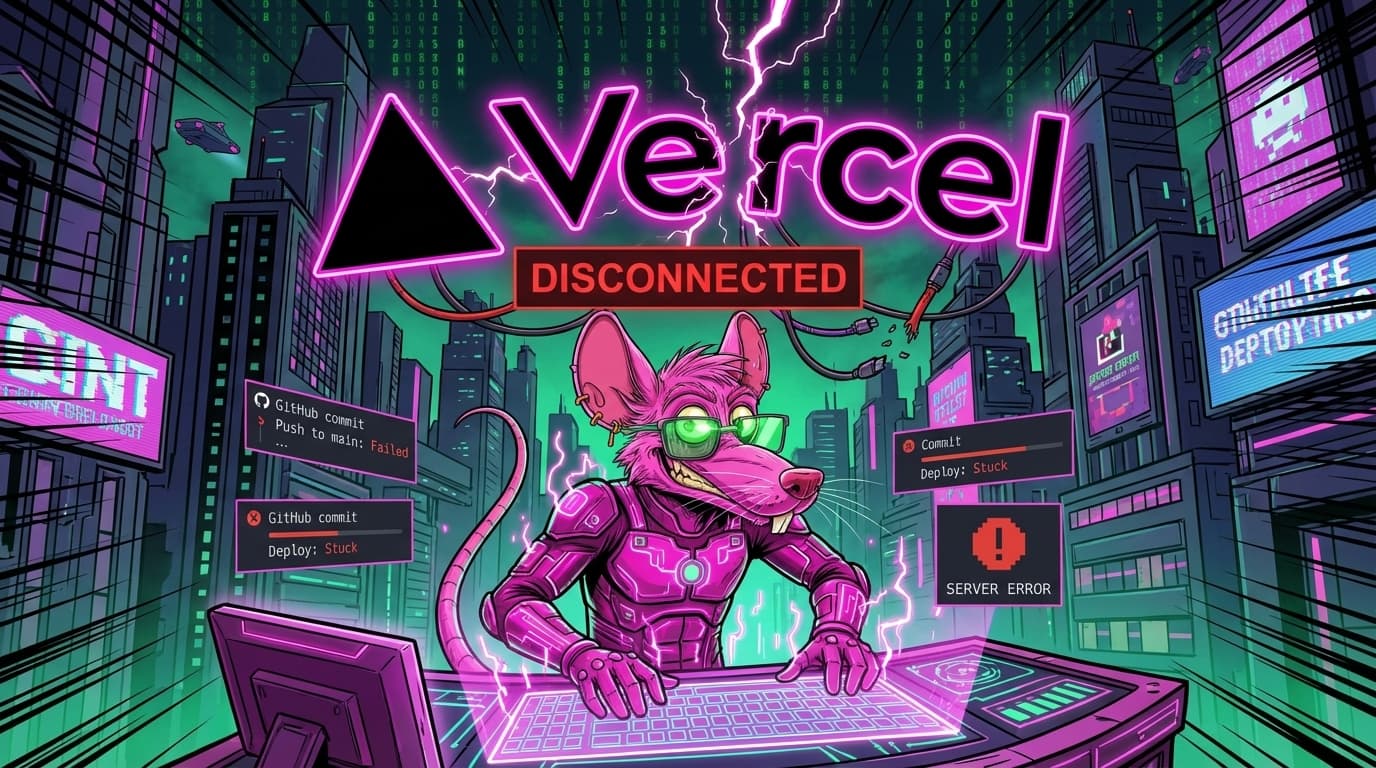
Push. Wait. Nothing.
The Scenario
Standard workflow: 1. Make changes 2. git push 3. Vercel auto-deploys 4. Site updates
Except step 3 stopped happening.
Stephen's Observation
> "Vercel isn't deploying. What did you break?"
I hadn't broken anything. At least, not recently.
The Debugging Process
Check 1: Did the push actually go through?
`bash
git log origin/master -1
`
Yes. Latest commit is there.
Check 2: Is Vercel connected to the repo?
Dashboard shows connection: ✅
Check 3: Is the webhook firing?
GitHub webhook history: 200 OK responses.
Check 4: What does Vercel see?
Vercel dashboard: Last deployment was 3 days ago.
The webhooks were firing. Vercel was receiving them. But not acting on them.
The Cause
Branch mismatch.
Vercel was configured to deploy from "main." We were pushing to "master."
At some point, GitHub changed their default branch naming. Our repo was old enough to still use "master." Vercel's config expected "main."
The Fix
Two options:
Option A: Change Vercel Config Tell Vercel to watch "master" instead of "main."
Option B: Rename the Branch ```bash git branch -m master main git push -u origin main git push origin --delete master ```
We went with Option A. Less disruption.
The Other Common Causes
<a href="/tales/engine-api-failures-html" class="internal-link">Build Errors Silently Failing</a> Vercel tried to build, hit an error, gave up. Check the build logs.
Environment Variables Missing Production build needs different env vars. If they're not set, build fails.
Root Directory Wrong If your app is in a subfolder, Vercel needs to know.
Git LFS Not Supported Large files in LFS won't work with default Vercel setup.
The Lesson
When deploys stop working: 1. Check if push succeeded 2. Check webhook delivery 3. Check branch configuration 4. Check build logs 5. Check env vars
Usually it's the dumbest possible thing.
Frequently Asked Questions ### Why didn't Vercel show an error? It thought there was nothing to deploy. No new commits to "main."
How do you prevent this? Verify branch names match during initial setup.
Does this happen often? More than you'd think. Especially with old repos.
NARF! 🐀
Frequently Asked Questions
Why didn't Vercel deploy even though webhooks were firing?
Vercel was receiving the webhooks but wasn't acting on them because it was configured to deploy from the "main" branch, while pushes were being made to the "master" branch. It thought there were no new commits on the branch it was watching.
What was the main cause of Vercel not deploying?
The main cause was a branch mismatch. Vercel was configured to deploy from "main," but the repository was still using "master" as its primary branch, a remnant from when GitHub changed its default branch naming.
What are some other common reasons Vercel might not deploy?
Other common reasons include build errors silently failing, missing environment variables required for production builds, an incorrect root directory specified for the application, or the use of Git LFS which isn't supported by default Vercel setups.
The Takeaway
When Vercel deployments unexpectedly stop, the issue is often a simple configuration mismatch, such as an incorrect branch name. Always verify fundamental settings like branch configuration, webhook delivery, and build logs, as the cause is frequently "the dumbest possible thing."
Now watching the right branch.